
Requires: Guestbook and Export Guest List, plus at least one of Operate Reception, Manage Reception, Register and Check In Guests or Manage Do-not-admit List (otherwise the export is empty). See Which permission do I need for….
Do you need to export logs of guests invited to or have visited your building?
NOTE: Any administrator with the Export Guest List permission can do this.
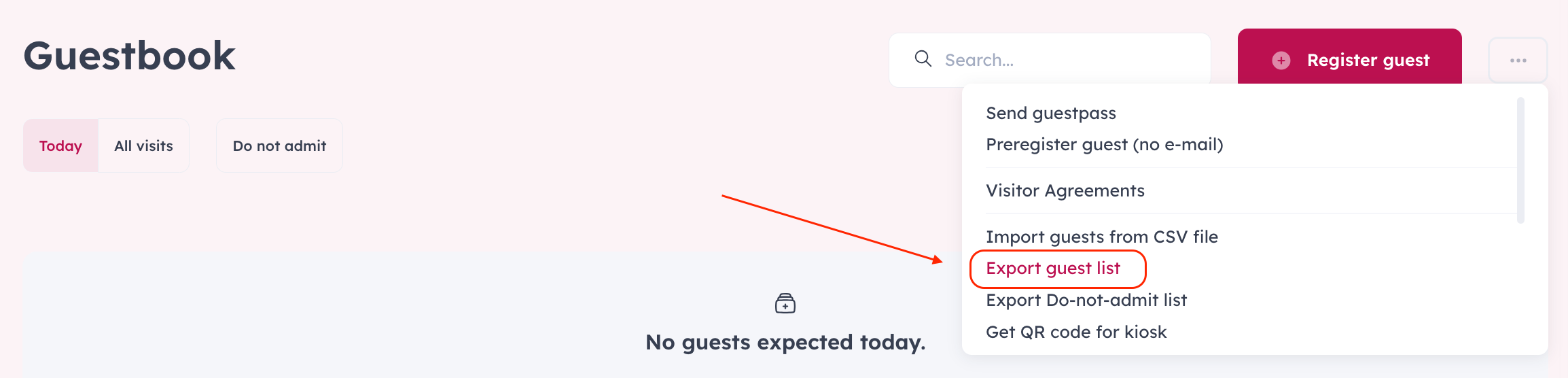
Go to the Guestbook module
Click on the 3 dots on the right side of your screen
Click on “Export” to download the logs.
Choose the date range you wish to export by clicking on the starting date first and then on the last day.
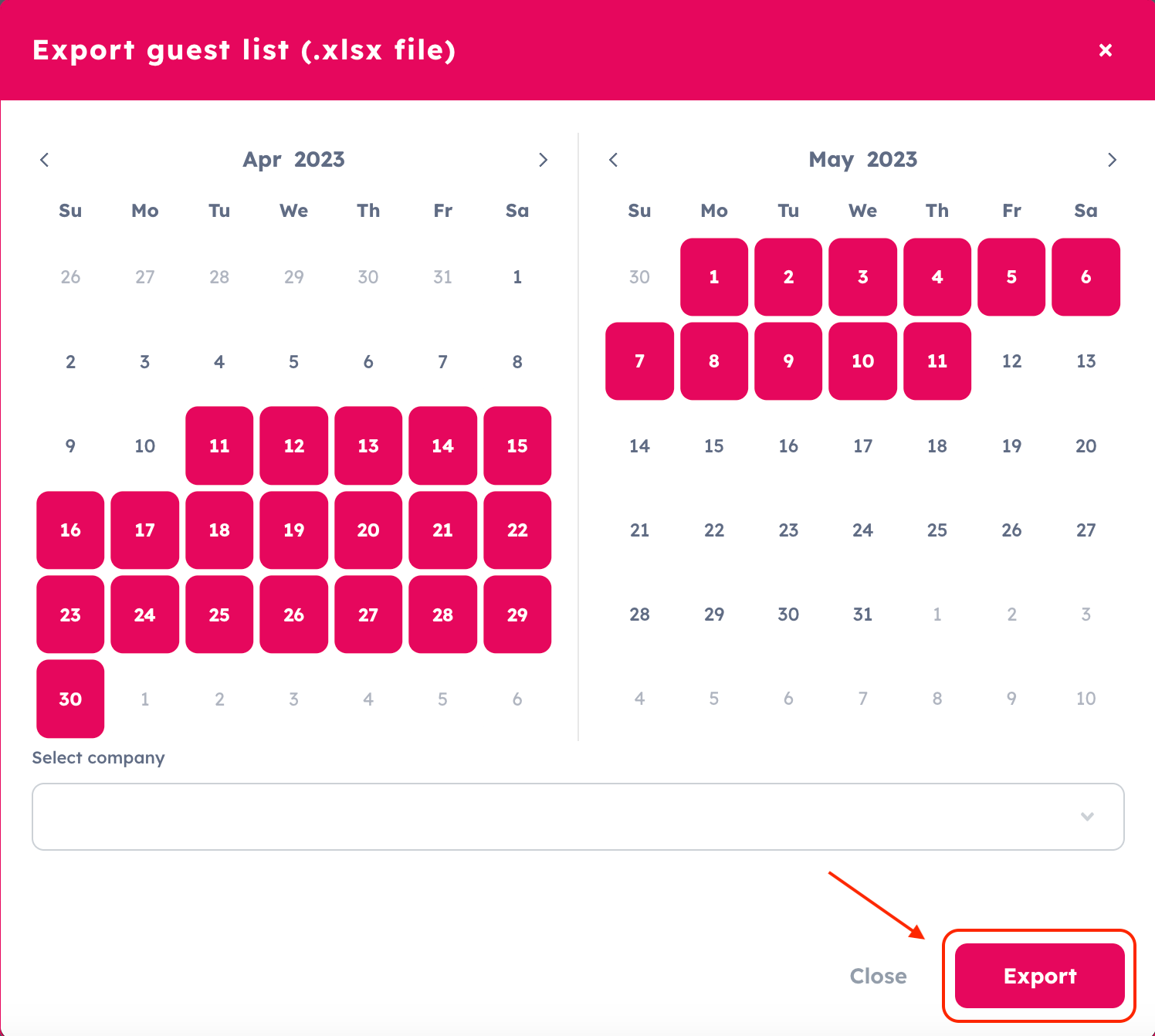
Click on the "Export" button.
The retention time of personal data in the Guestbook is 180 days. The data will be deleted after 180 days.